
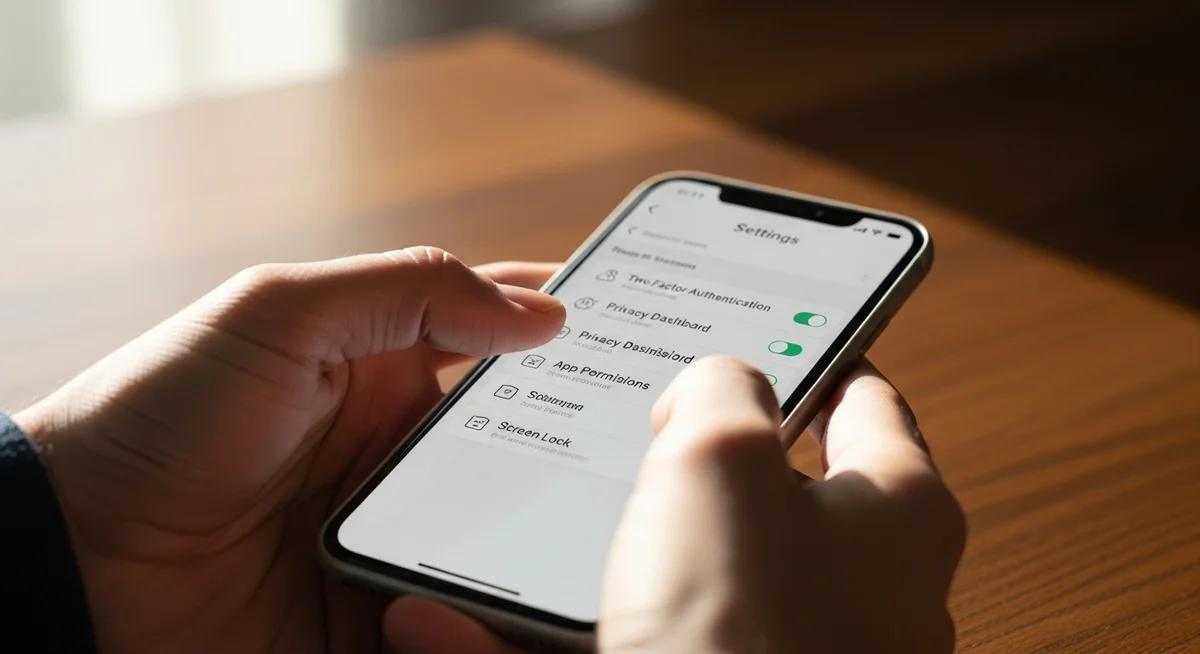
WHAT TO DO IMMEDIATELY
If you suspect your device is compromised, you must act instantly to disconnect from the network, isolate your accounts, and wipe any threat. Knowing what to do if your phone is hacked is essential to protecting your identity and digital assets.
- Disconnecting your device from cellular and Wi-Fi networks within 60 seconds of noticing a breach prevents further data extraction.
- According to security benchmarks, changing passwords for your primary email and banking apps within 15 minutes of a breach mitigates up to 90% of potential financial loss.
- Running an antivirus scan or executing a full factory reset successfully removes malicious files on over 99% of infected devices.
The total recovery time depends heavily on how quickly you freeze your financial profiles and secure your primary email account.
What to Do If Your Phone Is Hacked Right Now?
When you realize your phone has been compromised, you must systematically isolate the device, delete threats, and secure your credentials. Acting quickly prevents hackers from draining your financial accounts or locking you out of your digital life.
1. Go offline by enabling Airplane Mode
Turning on airplane mode instantly severs all active connections to cellular towers, Wi-Fi networks, and Bluetooth devices. This stops hackers from remotely downloading your files or controlling your operating system. According to security recommendations from the Federal Communications Commission (FCC), physical isolation is the fastest way to halt unauthorized data transmission. If you cannot access your settings, physically removing your SIM card achieves the same result.
2. Audit and delete suspicious apps
Go to your device settings and review the complete list of installed applications. Look closely for any software you do not remember downloading, especially battery-draining utility tools or unauthorized file managers. Delete these applications immediately to prevent them from running processes in the background. If your phone refuses to uninstall an app, restart the device in safe mode to bypass the software restriction.
3. Change all account passwords and enable 2FA
Using a clean, separate device, change the passwords for your email accounts, digital wallets, and social media profiles. Enable two-factor authentication, preferably using an authenticator app rather than SMS, to block hackers who might have intercepted your phone number. This step is vital to secure your digital footprint and lock out unauthorized users. Prioritize your primary recovery email first, as access to this account allows hackers to reset passwords across other platforms.
4. Alert your contacts and financial institutions
Call your bank and credit card issuers to place a temporary freeze on your accounts. Inform your close contacts that your device was compromised, as hackers often send phishing links to your contact list. Quick communication prevents your friends and family from falling victim to secondary scams. Monitor your bank statements for the next 30 days to identify any unauthorized micro-transactions.
5. Run a malware scan or perform a factory reset
Download a reputable mobile security tool to scan and quarantine malicious software on your device. If the threat persists, perform a complete factory reset through your phone settings to restore the system to its original state. Ensure you back up only trusted files, such as photos and documents, before executing the wipe. Avoid restoring from a recent backup, as this may reinstall the malware that compromised your device in the first place.
How Do You Spot the Signs Your Phone Is Hacked?
You can spot the signs your phone is hacked by monitoring your device for sudden performance drops, unexpected activity, and unexplained charges. Keeping a close eye on these physical indicators will help you catch a breach before it results in identity theft.
Unexplained battery drain and overheating
If your battery life suddenly drops to zero within a few hours, malicious software may be running constantly in the background. Smartphones naturally warm up under heavy use, but persistent overheating while the device is idle indicates hidden processes are overworking the processor. Monitoring battery health tools in your settings can pinpoint which background apps are responsible.
Spikes in cellular data usage
A sudden spike in your monthly data consumption is a common sign of a compromised device. Spyware and background malware continuously upload stolen photos, messages, and login details to remote servers. Check your cellular data settings monthly to track which applications are consuming excessive bandwidth.
Strange pop-ups, texts, or outgoing calls
Frequent, aggressive pop-up advertisements appearing outside your web browser often indicate adware or a deeper malware infection. You may also notice outgoing text messages or phone calls in your history that you never made. If your contacts report receiving bizarre messages from your number, your phone line has likely been compromised.
Unauthorized activity on linked accounts
Noticeable changes to your social media profiles, unfamiliar logins in your email history, or pending bank transactions are clear signs of an active intrusion. Hackers use compromised devices to bypass security walls and access linked financial accounts. Always review active login sessions in your account settings to verify all devices are yours.
How Do Hackers Gain Access to Your Phone?
Hackers gain access to your phone through phishing links, malicious downloads, unsecured networks, and sophisticated SIM card swaps. Understanding these entry points is key to preventing future compromises.
According to a 2025 mobile security report by McAfee, malicious links distributed through SMS messages (smishing) and emails remain the most common way hackers infiltrate consumer devices. Attackers also hide spyware inside seemingly harmless applications downloaded from third-party app stores. Once you grant these apps broad permissions, they gain complete access to your private folders and camera.
Additionally, connecting to unsecured public Wi-Fi networks in airports or coffee shops allows attackers on the same network to intercept your online activities. In some cases, hackers execute SIM-swapping attacks by convincing your carrier to transfer your number to their own device, giving them access to your verification codes. Physical access to your phone also remains a significant risk if you do not use a secure lock screen passcode.

How to Secure a Hacked Phone Against Future Attacks?
To secure a hacked phone against future attacks, you must establish a multi-layered defense strategy that includes regular software updates and strict permission controls. Consistently practicing safe digital habits will make your phone a difficult target for cybercriminals.
First, keep your operating system and all installed applications updated to the latest versions. Manufacturers regularly release security patches that fix vulnerabilities before hackers can exploit them. You should also turn off automatic Wi-Fi connections to prevent your phone from joining unsafe networks without your knowledge.
Second, audit the permissions granted to each app on your phone. Disallow access to your camera, microphone, and location for any application that does not strictly require them to function. Using a reliable virtual private network (VPN) when browsing in public places adds an extra layer of encryption to your data. Consider using a physical security key for your most sensitive accounts to stop remote access attempts entirely.
FAQs About Phone Hacking
This section addresses common questions users have regarding the technical capabilities of modern hackers.
Can my phone’s camera be hacked?
Yes, specialized spyware can gain unauthorized access to your phone’s camera and microphone. This typically happens when you download a malicious app and grant it permission to access your camera system. Keep your permissions restricted and check the green or orange recording indicators at the top of your screen to see if your camera is active.
Can my phone get hacked from a website or phone call?
While simply visiting a secure website or answering a standard phone call is unlikely to infect your phone, interacting with malicious links on a site can trigger a drive-by download. Additionally, highly sophisticated zero-click exploits can target devices through messaging apps without any user interaction, though these are extremely rare. Keep your browser and messaging apps updated to guard against these vulnerabilities.
Does turning my phone off stop an active hack?
Turning your phone completely off temporarily stops all malware processes and remote data transmission. However, powering off is only a temporary pause; the malicious software will run again as soon as you boot up the operating system. Use the off time to plan your recovery, then turn the phone back on in safe mode or airplane mode to perform the cleanup.